Event Website

An event website is not just a showcase for your event, but also a key tool for communicating with attendees, promoting your event, and selling tickets.

In CONREGO, you build your event website in an environment designed from the ground up for organizers of conferences, congresses, training sessions, and ticketed events. No piecing together separate tools. No rewriting content between systems. No involving a developer for every small fix.

Why invest in an event website?

  • You build trust – a polished, cohesive website communicates the organizer's professionalism from the very first impression.
  • You shorten the path to registration – attendees immediately see the most important information and can sign up without unnecessary steps.
  • You organize communication – agenda, speakers, partners, venue, FAQ, and news are always in one place.
  • You support sales – a clear presentation of packages and a form embedded on the page increase registration effectiveness.
conference website

The New Block-Based CMS in CONREGO

The new version of the Website module was built around a simple premise: building an event website should be fast, predictable, and convenient – even as the project continues to grow.

Instead of assembling each subpage from scratch, you create a library of ready-made blocks and use them wherever they are needed. A block prepared once can be placed on multiple pages, and a single update is enough for the change to appear everywhere.

This makes a huge difference in day-to-day team work – especially when an event website lives for many weeks and content changes along with the evolving programme, ticket sales, and marketing communications.

Build faster, manage with ease, sell more effectively

The new block-based CMS combines editorial simplicity with the flexibility event organizers need. You arrange pages using drag & drop, work with ready-made configuration forms, and if you choose, you can also switch to custom HTML mode.

  • Work with ready-made blocks – you don't start with a blank page, but with proven sections tailored to event needs.
  • Consistency across subpages – the same elements can be reused multiple times without manual copying and editing.
  • Convenient content editing – most changes can be made without any knowledge of HTML and without developer support.
  • Greater scalability – the website can grow with your event: from a simple landing page to an extensive site with multiple sections and language versions.

Registration aligned with your event's branding

The most important page elements – including the banner and the registration form – function as system blocks. As a result, they draw directly from the event's branding settings and registration process configuration.

In practice, this means you no longer need to separately manage visual and functional consistency. Key page elements remain aligned with the global settings, and attendees enjoy a seamless experience from the moment they land on the page through to the completion of registration.

If you want to tailor the page's appearance to your brand identity, you can also use the Website Styling module, which lets you manage the look of the most important elements without writing a single line of code. Read more in the article How to customize branding for your event?
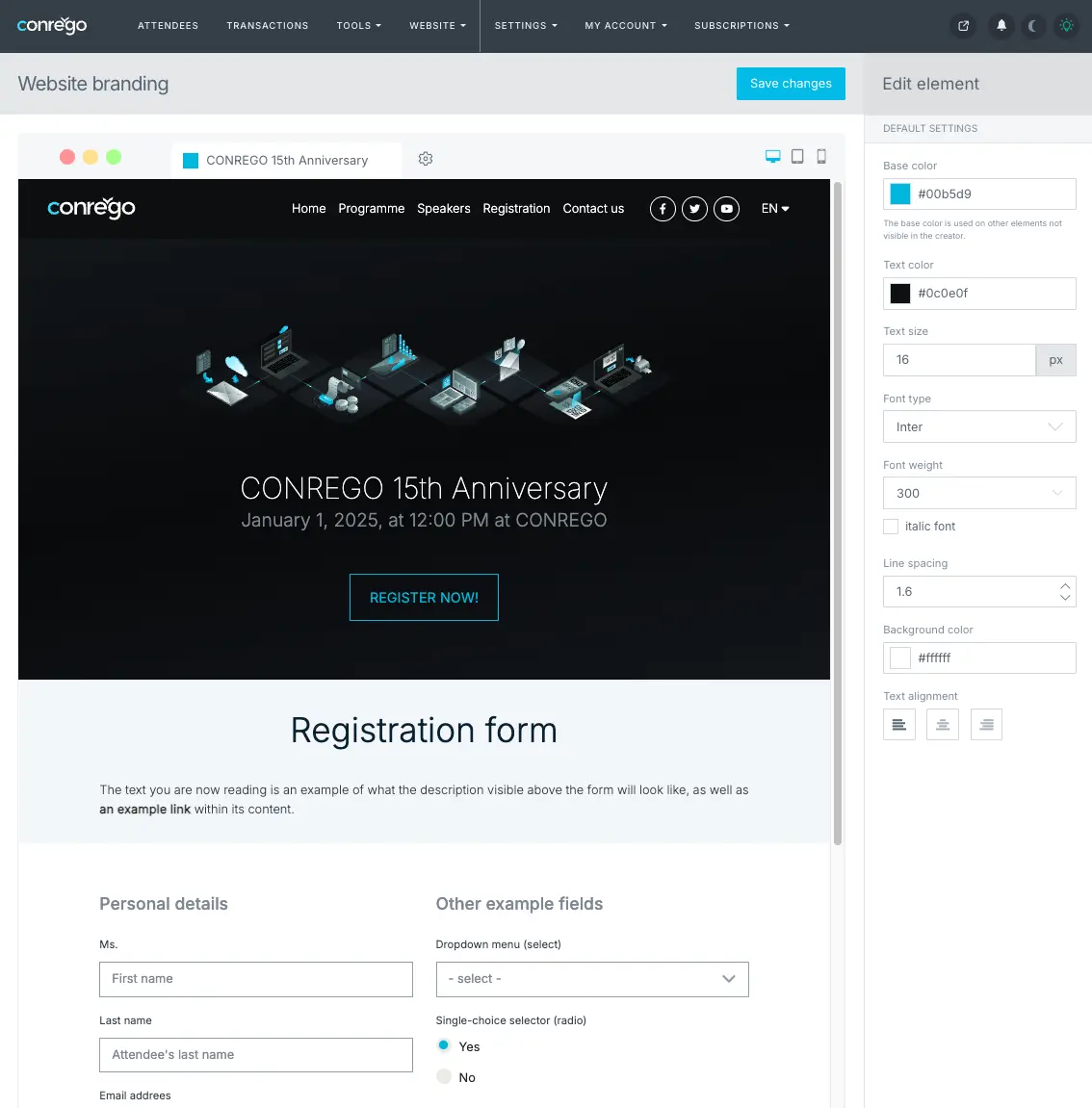
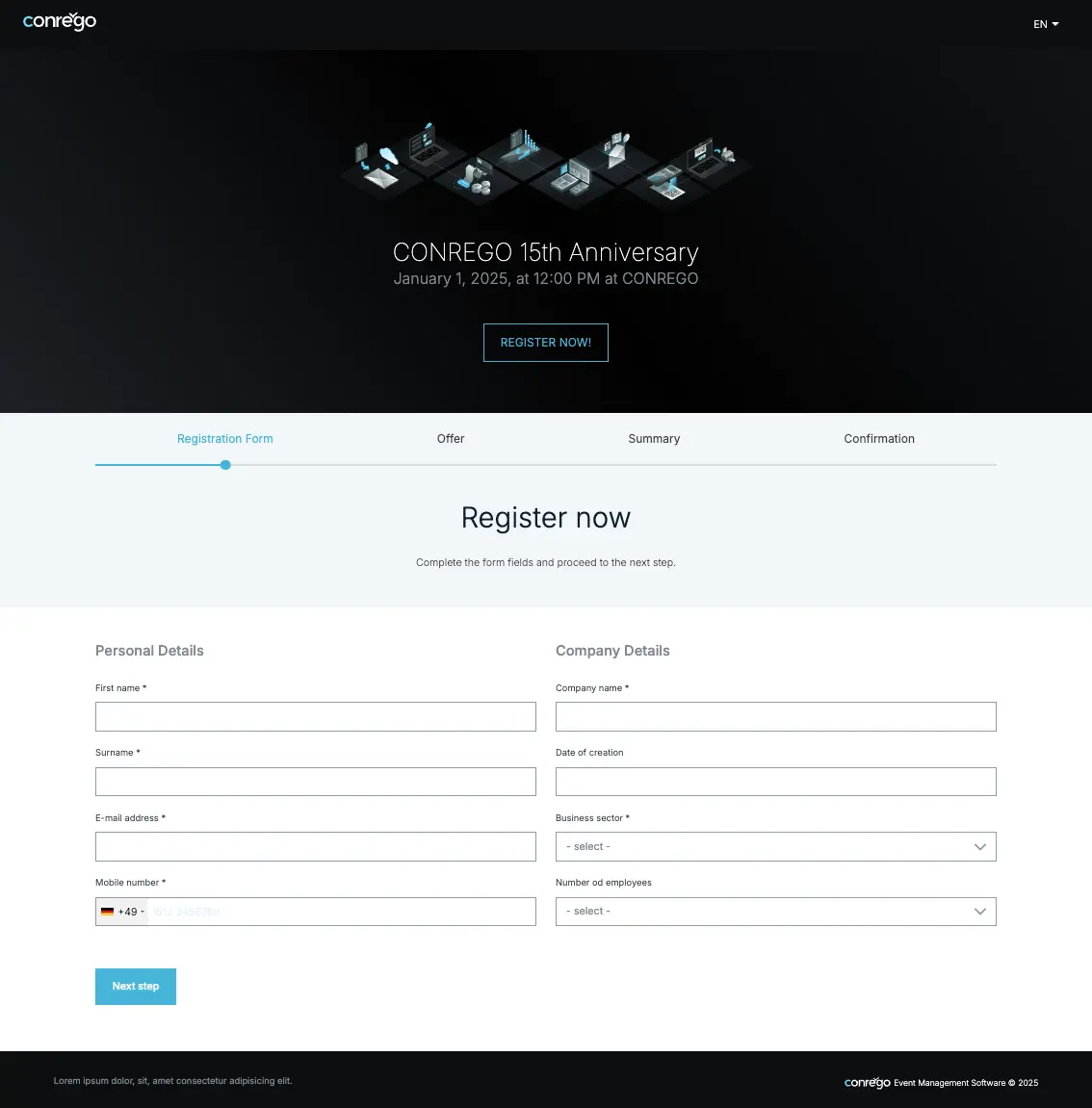
Example branding of an event page created with CONREGO Example branding of an event page created with CONREGO

Event page branding and the registration form can form one seamless whole.

What blocks can you use on your event website?

The new CMS includes a set of ready-made sections that address the real needs of event organizers. With them, you can build both a simple registration page and a fully featured event site.

Blocks that support conversion and sales

  • Banner – a system header based on the event's branding settings.
  • Registration form – embedded directly on the page, always in sync with the current registration configuration.
  • Graphic banner – a separate promotional section with dedicated images for desktop, tablet, and phone, plus a CTA overlaid on the image.
  • Ticket packages – an attractive presentation of ticket types and offers that helps attendees make a purchase decision faster.
  • Countdown timer – a simple way to create a sense of urgency before the registration deadline or event start.
  • Popup – a block for displaying important announcements, reminders, or promotions at the right moment.

Blocks that organize information

  • HTML content – a versatile block for descriptive, informational, and editorial sections.
  • Agenda – a modern programme presentation with descriptions, tracks, rooms, and additional details.
  • Speakers – a clear speaker grid with photos, titles, and detail modals.
  • Partners / Sponsors – an elegant presentation of logos, descriptions, and partner materials.
  • FAQ – a questions-and-answers section that reduces the load on the organizing team and helps attendees find information faster.
  • News – a space for announcements, previews, and updates published without affecting the overall page layout.

Blocks that enhance the attendee experience

  • Gallery – photos can be displayed in a grid or carousel format, suited to the character of your event.
  • Video (embed) – embed trailers, video invitations, and promotional content directly on the page.
  • Google Maps – a quick way to show the location of the venue, hotel, or parking.
  • Hotels – a useful section for in-person events, with accommodation descriptions and distances from the venue.
  • Footer – a flexibly configured section closing the page with contact details, links, and organizational content.

Why does this solution work in practice?

Many tools allow you to build a website. The real challenge comes later – when you need to develop it, update it, translate it, and keep it consistent as the event's requirements continue to change.

The new CMS in CONREGO was designed with exactly that stage in mind. By working with blocks, you'll find it easier to keep content organized, implement changes faster, and reduce errors caused by manually copying sections between subpages.

  • Less operational work – a single block can be used in multiple locations.
  • Easier team collaboration – everyone works with the same structure, without confusion or duplicated content.
  • Better support for language versions – it's easier to expand the site for international events.
  • Greater predictability – the website evolves in an organized way, rather than turning into a collection of manually patched sections.

One environment for the website, registration, and communications

The greatest advantage of the Website module in CONREGO is not the editor itself. It's the fact that the website operates within the same environment as registration forms, ticket sales, attendee communications, and the overall event management process.

As a result, you're not building the website "alongside the system" – you're building it inside the process that genuinely guides an attendee from initial interest through registration, payment, and participation.

This is especially important when you need full control over the attendee experience and don't want to piece your event together from multiple separate tools.

What can an event page built in CONREGO look like?

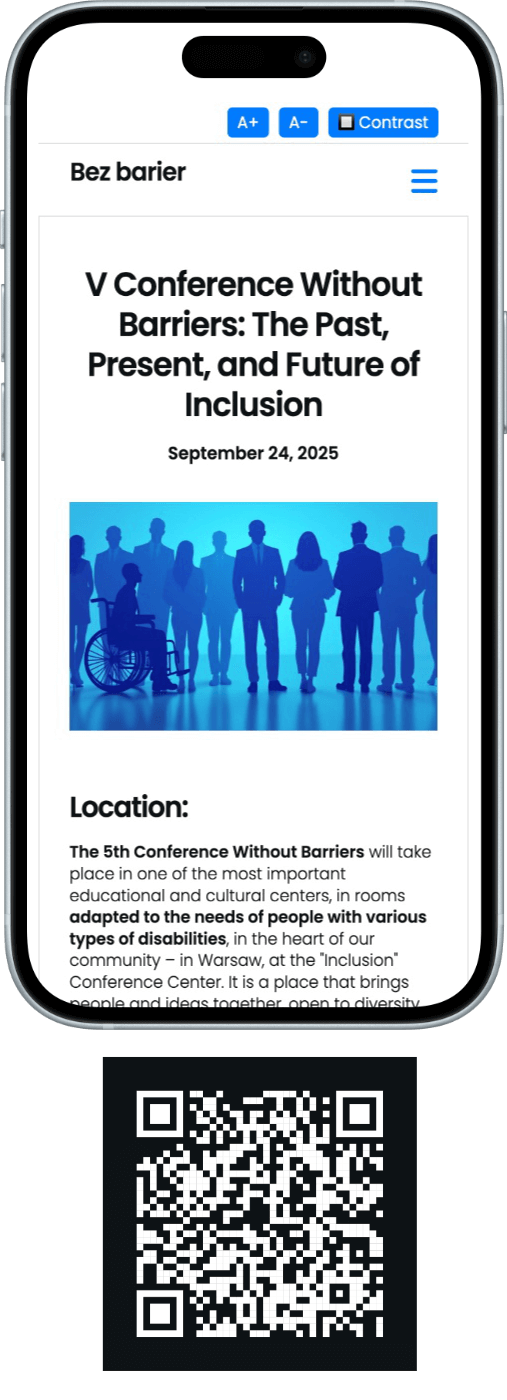
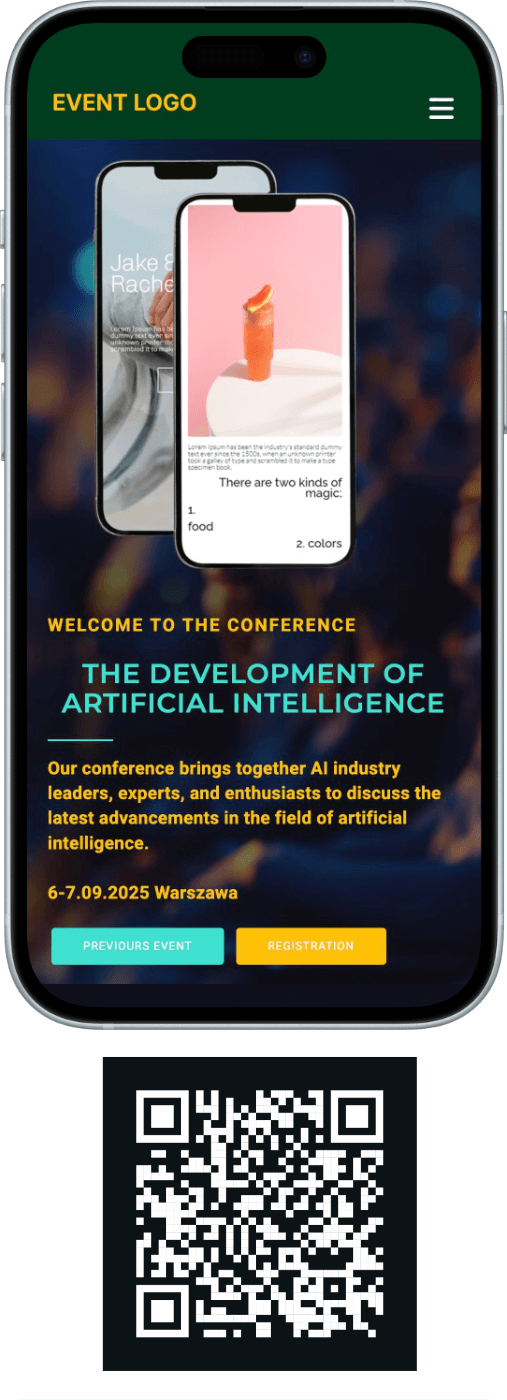
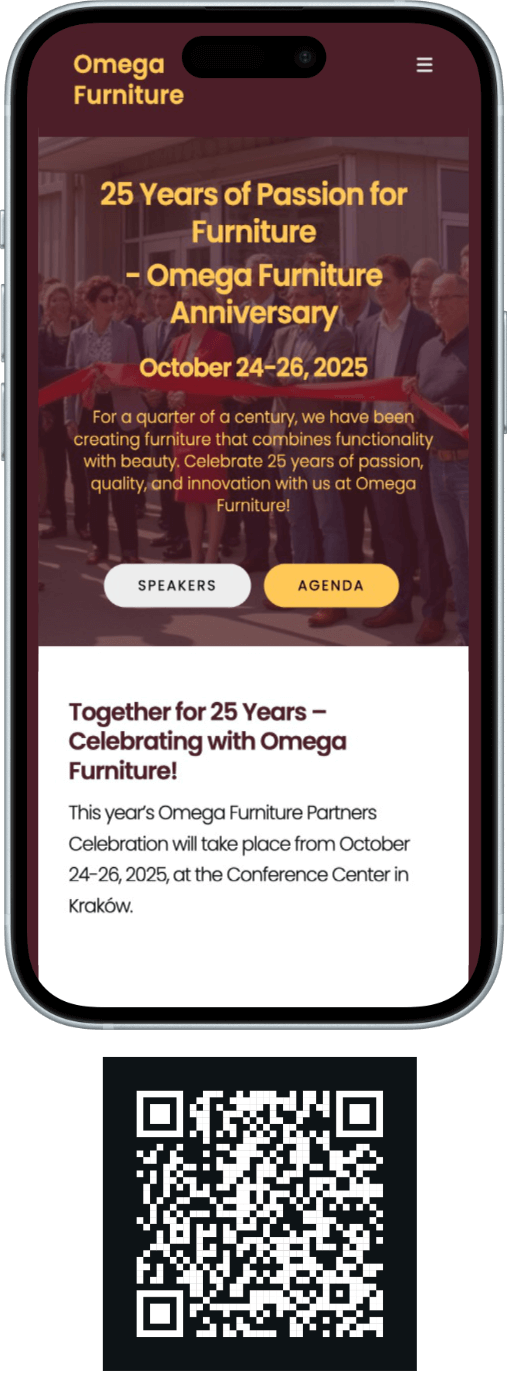
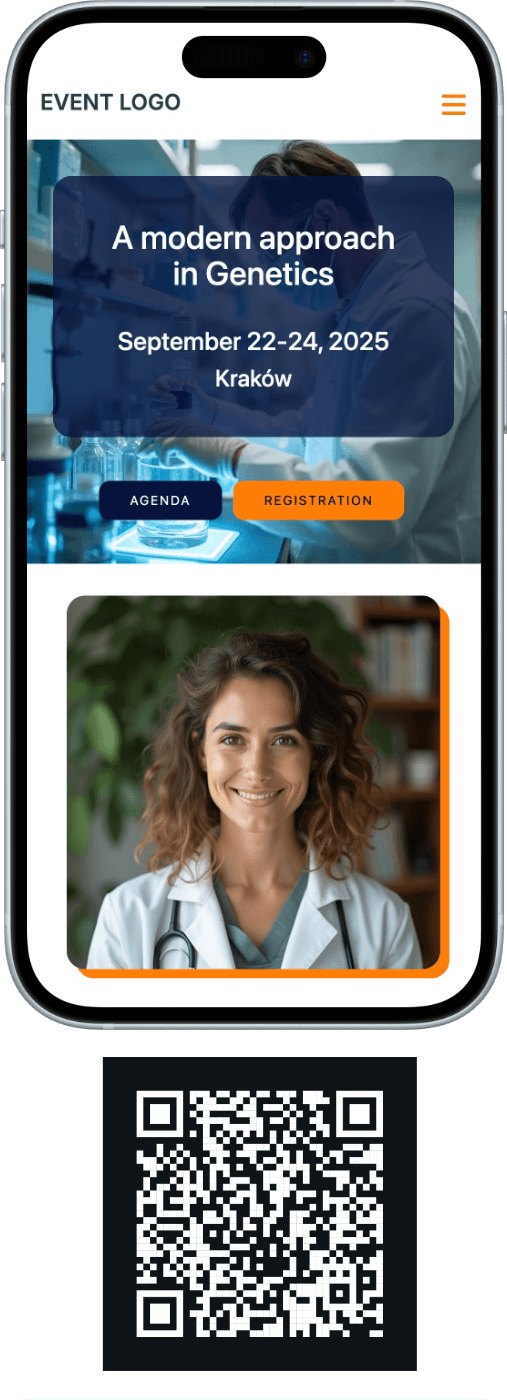
Below we present a few demo sites built using the capabilities of the system. Scan the QR code with your smartphone camera or click the link below the image.

Want to build an event website that truly delivers results?

In CONREGO, you can prepare a simple landing page with a registration form or a fully featured event site with an agenda, speakers, packages, and attendee communications. It all depends on the scale of your project – not on the limitations of the tool.

Explore our offer Schedule a presentation

Frequently Asked Questions

Are the websites created in CONREGO responsive?

Yes. Event pages, subpages, and registration forms created in CONREGO are optimized for desktops, tablets, and smartphones.

Can I create a website in multiple language versions?

Yes. CONREGO supports multiple language versions, allowing you to prepare both the event website and the registration process for international attendees.

Do I need to know HTML to build an event website?

No. The new block-based CMS lets you build pages using drag and drop and ready-made configuration forms. You can also use HTML if you want to implement custom solutions.

Can I use the same sections on multiple subpages?

Yes. This is one of the most important advantages of the new CMS. Ready-made blocks can be reused multiple times, and a single update applies the change everywhere the block has been used.

Can I embed a registration form and ticket packages on the page?

Yes. The registration form and ticket packages are available as ready-made blocks, so you can quickly build a page that not only informs but also actively supports sales and attendee registration.

Can I edit the event website code?

Yes. In addition to working with ready-made blocks, you can use custom HTML, and add your own JS, CSS, and HTML code in the CONFIGURATION > FOR DEVELOPERS section.