How to create a new page in CONREGO?
Go to Webiste > List of pages. From the +Add new dropdown menu, select Content Page.
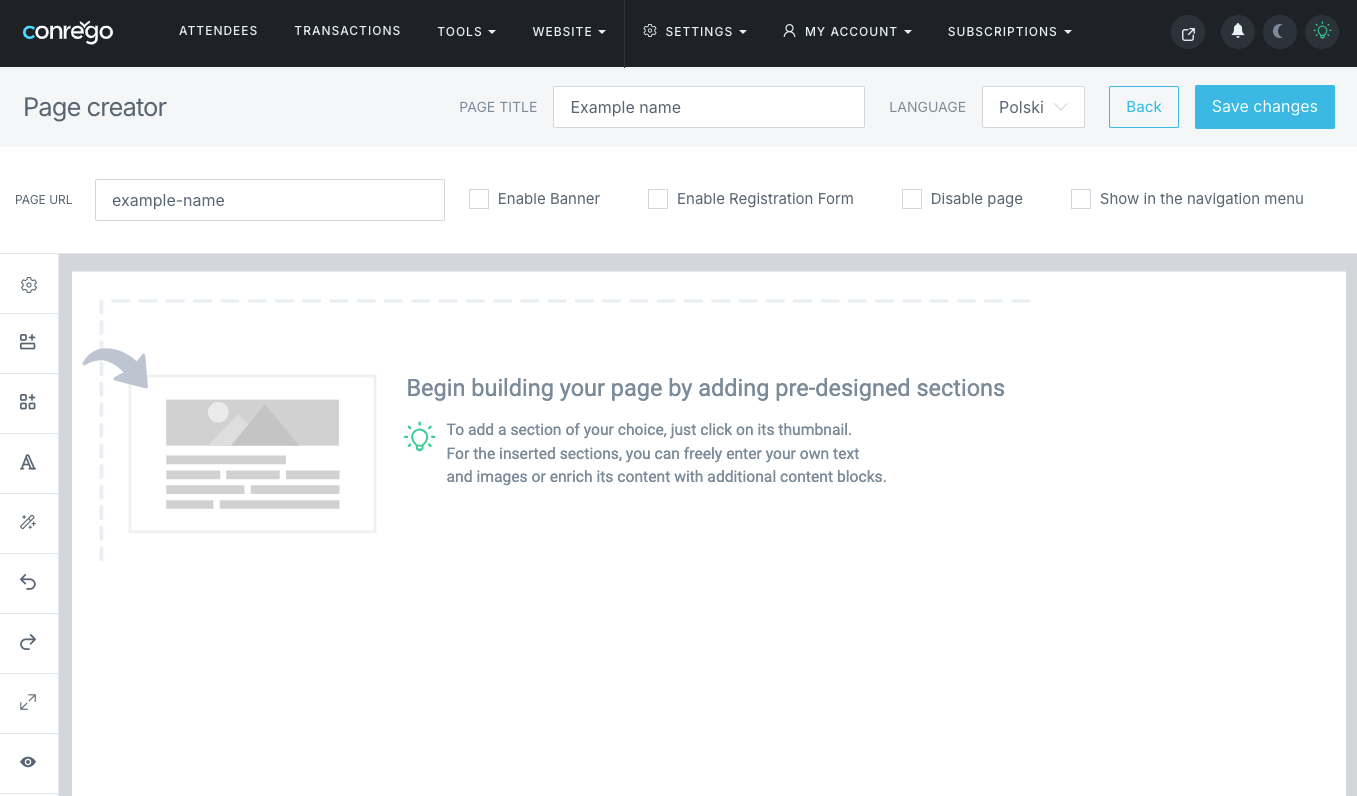
When the page editor appears, you'll see several configuration options:
- Page title - the name displayed in the page list and navigation menu;
- Language - the language version in which the page will be available;
- Page URL - the page's address, ideally containing a keyword relevant to the content;
- Set as Homepage - the homepage should use the domain itself as its default address;
- Registration form page - embeds the prepared registration form in the page content;
- Published - makes the page visible to visitors;
- Show in the menu - displays the page in the navigation menu.
The page content editor allows you to build pages visually using content blocks that can be freely modified.